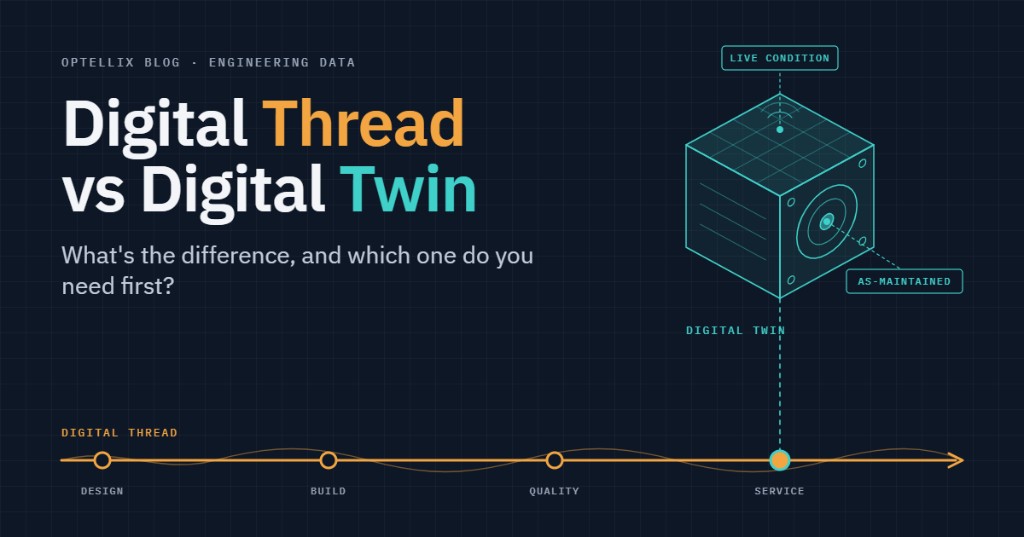
Digital Thread vs Digital Twin: What's the Difference?

Category:
WebGL 3D Product Configurator Development Services
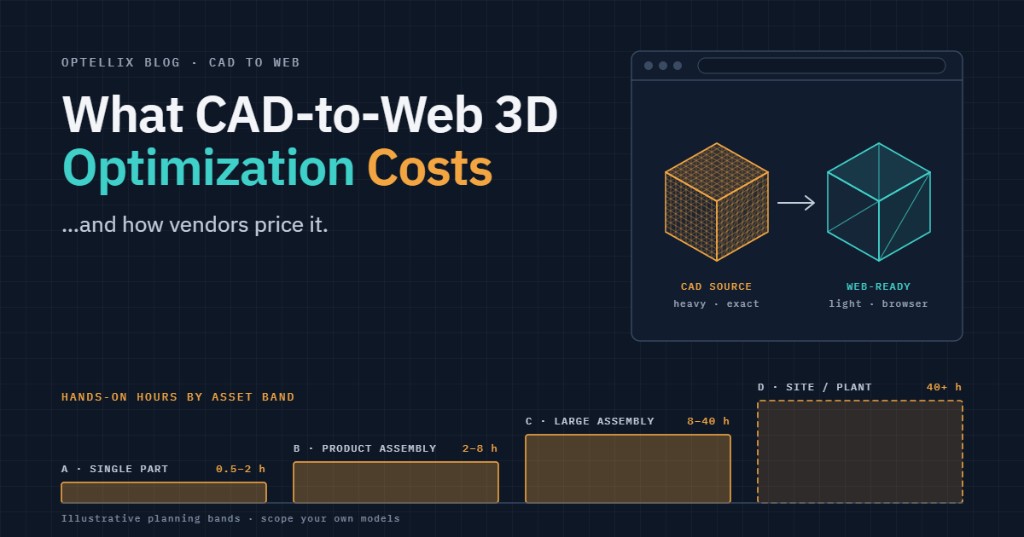
Optellix builds custom 3D product configurators that let customers explore products and choose valid options in a browser. The work combines interactive graphics, prepared 3D assets, configuration rules, and connections to your commerce or quoting system.
A viewer with colour swatches and a configurator that produces a valid manufacturing quote solve different problems. Compare proposals by the assets, rules, integrations, and acceptance criteria they include.
This guide explains those scope choices, the delivery process, and the questions that make a quote useful. A configurator’s commercial value should be measured against your own baseline: quote turnaround, configuration errors, completed purchases, or another agreed outcome.
Key Takeaways
- Browser delivery: Three.js and WebGL are options for interactive product graphics. Choose and test the rendering approach against your customers’ devices and browsers.
- Timeline: Optellix publishes a typical 4–6-week MVP window. Asset readiness, rule complexity, and integration scope affect the actual schedule.
- Integration scope: assess product mapping, cart or quote submission, authentication, and authoritative pricing for the chosen platform.
- Cost drivers: unique geometry, valid option combinations, asset quality, business rules, and integrations all matter alongside SKU count.
- Relevant project experience: Enact’s solar design workflow and Foyr’s rendering pipeline illustrate different parts of the work.
Before requesting a quote, gather a representative product model, a list of configurable options, the rules linking them, and the system that owns the final price. A sample reveals more than a catalogue count alone.
What we build, and what changes with scope
These three scope levels are a useful starting point. They describe increasing functional requirements; they are not fixed packages or SKU thresholds.
| Tier | What the user can change | Asset workload | Integration depth | What we deliver |
|---|---|---|---|---|
| 1 · Single-product visualizer | Colour, material, finish. No dependencies between options. | One product or reusable base model | Embed only; no cart sync | Configurator + optimized assets + embed snippet |
| 2 · Multi-option with rules and live pricing | Components, sizes, combinations — with validation and a price that updates | Multiple parts and option variants | Cart, variant, and price sync | Rules engine, pricing layer, platform integration, admin config |
| 3 · CPQ / ERP-connected | Full product configuration feeding a quote | Varies by product family | Quote workflow and business-system APIs | Connectors; SSO and tenant controls if required |
When options depend on one another, the application needs a clear configuration state and validation rules. For example, changing a cabinet’s width may exclude some drawers. The interface must show valid choices, explain conflicts, and keep the displayed price consistent.
A commerce or CPQ integration adds a second requirement: the accepted configuration and final price must be validated by the authoritative backend. Plan for authentication, slow or unavailable APIs, tax and currency rules, and changes between configuration and checkout.
How long does it take?
Optellix’s Web3D services page gives 4–6 weeks as a typical MVP timeline, with delivery depending on scope and integration needs. Use that as an initial planning reference. The project schedule should follow an asset audit and agreement on the minimum usable workflow.
Discovery establishes the asset inventory, option rules, target devices, and acceptance criteria. A prototype then tests one representative product and the core interaction. Development adds the agreed catalogue, rules, and integrations; testing checks visual accuracy, valid configurations, pricing, and performance before handover. Missing source models, unresolved business rules, or additional integrations can extend the schedule. Each dependency needs an owner and a decision date.
Define what “ready” means before development starts: the supported devices, time to first usable interaction, representative product complexity, valid configuration tests, and successful cart or quote submission. A load-time target is only meaningful with its device, network, cache state, and test asset specified.
What stack do we use, and why?
Three.js with WebGL is a practical option for browser delivery. WebGPU can be considered where the target environment supports it, with a fallback if the audience requires one. MDN lists WebGPU as having limited availability; use current compatibility checks and real-device testing instead of a global support percentage as the sole decision criterion.
Select the stack around the delivery environment and product requirements:
| Layer | Option | Selection criterion | Why |
|---|---|---|---|
| Renderer | WebGL 2 | Consider WebGPU where supported | Test the required browser and device matrix |
| Framework | Three.js | Host app is already React → react-three-fiber | Component model matches the surrounding codebase |
| Engine | Browser-native | Native application or headset delivery | Choose against interaction, device, and deployment requirements |
| Asset format | glTF/GLB; Draco and KTX2 where suitable | Validate decoder support | Balance transfer size, decode time, memory, and visual quality |
| Source formats | CAD models or existing mesh assets | Confirm formats and versions | Audit units, hierarchy, materials, and permissions |
| State + pricing | Configuration state + backend validation | Connect commerce, CPQ, or ERP APIs | Validate accepted configurations and final prices |
A headset application is a separate delivery decision with its own interaction and performance requirements. Choose it when the use case needs that environment, and budget for device testing and deployment as well as the 3D experience.
For a deeper implementation discussion, see Optellix’s Three.js configurator architecture guide.
Can a 3D configurator integrate with Shopify, WooCommerce, or Magento?
A browser configurator can connect to Shopify, WooCommerce, Adobe Commerce, or a custom backend. The implementation depends on the platform version, product model, pricing rules, and available APIs. The following are integration approaches to assess during discovery.
| Platform | How it embeds | What syncs | Scope dependency | Check before quoting |
|---|---|---|---|---|
| Shopify | App embed or theme block | Product variants and cart operations | Catalogue and checkout rules | Map choices to purchasable items; validate final prices |
| WooCommerce | Plugin + REST API | Variations, cart, and prices | Plugins and product structure | Test variation volume and plugin compatibility |
| Magento / Adobe Commerce | Module | Configurable-product mapping, price, cart | Modules and product types | Confirm option rules, APIs, and checkout behaviour |
| Custom / headless / CPQ | Embedded React component or iframe with postMessage | Agreed product, pricing, and quote data | Scoped per project | Authentication, API contracts, and tenant controls |
Six options with four choices each produce 4,096 theoretical combinations, though business rules may exclude many. Decide which need separate SKUs and which are configuration attributes. Custom line-item properties can carry descriptive choices; they do not by themselves authorize a new checkout price. Shopify’s Storefront API represents cart merchandise and attributes separately, so pricing must follow the platform’s supported, validated workflow.
Ask for a demonstration using a representative product and the intended checkout or quote flow. The integration approaches above describe possible scope, not a claim that Optellix has deployed every named connector.
Relevant Optellix project experience
The following projects show experience with 3D workflows and asset preparation. Their outcomes should be evaluated within each project’s actual scope.
Enact: Optellix developed a solar and roofing workflow that turns satellite or drone imagery into 3D roof geometry and panel layouts. Shadow and irradiance analysis supported design decisions, while CRM integration connected the work to proposals. The relevance to a configurator is the connection between geometry, user choices, analysis, and a downstream business workflow.
Foyr: Optellix helped migrate an interior-rendering pipeline from V-Ray to Blender. The work included scripted UV unwrapping and lightmap generation, fixes for visible lighting artifacts, and asset integration into Foyr NEO. The project illustrates how rendering quality depends on the preparation pipeline as well as the viewer.
These projects highlight two different estimation risks: connecting the 3D workflow to business systems and preparing assets that look correct in the target renderer. Include both in the scope, with a representative asset approved before processing the full catalogue.
A measured result from an adjacent workflow: the Pitch Gauge project report records roof-report generation falling from 30–60 minutes to 5–10 seconds after an XML-to-3D-to-PDF pipeline was implemented. That is a report-generation outcome, not a configurator conversion or load-time benchmark.
What does a 3D product configurator cost?
A useful estimate separates four workstreams: asset preparation, interface and rendering, configuration and pricing rules, and system integration. A single-product visualizer may need mainly the first two. A CPQ-connected build also needs validated business logic, API handling, and quote-workflow testing. Request a scoped estimate for each workstream rather than treating a broad online price band as a quote.
Optellix pricing is project-specific. A discovery review should produce an agreed deliverable list, assumptions, dependencies, acceptance criteria, and a breakdown of one-time and recurring costs.
A translation API can convert supported source data into viewer-ready derivatives. A finished product asset may also need selected internals removed, textures and materials prepared, and visual and performance tests in the intended application. Some of that work can be automated; the question is which operations the quoted service includes. The same logic applies to whatever displays the result: a free or bundled viewer opens the asset it’s given, but it doesn’t perform the cleanup, defeaturing, or material work above — that preparation happens (or doesn’t) before the viewer ever sees the file.
A freelancer or off-the-shelf platform can suit a limited catalogue and standard interactions. A custom build becomes worth evaluating when the required rules, data ownership, integrations, or interface exceed the available product’s capabilities. Compare total cost over the intended operating period, including licence fees, asset updates, support, and ownership of the output.
How to scope your project in four questions
These four questions give a vendor enough context to identify major assumptions and request a representative sample:
- How many distinct models and geometry variants need preparation? Separate reusable materials and colour choices from changes that require new geometry.
- What source assets are available? CAD models can reduce reconstruction work, but may still need hierarchy cleanup, tessellation, material preparation, and optimization.
- How do the option rules work? Document dependencies, invalid combinations, and any dimensions or calculations that change geometry.
- Which system owns the accepted configuration and final price? Identify commerce, CPQ, ERP, and authentication requirements.
Bring a sample model and those four answers to an Optellix scoping call. The discussion can establish a realistic first release and the information needed for a firm estimate.
Frequently Asked Questions
How long does it take to build a 3D product configurator?
Optellix publishes 4–6 weeks as a typical MVP planning window. Confirm the actual schedule after reviewing assets, option rules, target devices, and integrations. Unresolved dependencies or a broader catalogue can extend it; there is no universal SKU count that determines the delivery date.
How much does a custom 3D product configurator cost?
There is no single price without a defined scope. Ask for separate estimates for asset preparation, application development, business rules, integrations, and ongoing operation. Compare proposals against the same catalogue and acceptance criteria.
Can a 3D configurator integrate with Shopify or WooCommerce?
Yes, these platforms provide ways to connect product selection and cart workflows. Validate the proposed approach against your product structure and platform setup. Custom configuration attributes must not be mistaken for an authorized checkout-price override.
Do I need my products in CAD, or can you model them?
Existing CAD models or mesh assets can be used after a format and quality review. Models can also be created from drawings, measurements, or reference imagery where the available information is sufficient. The source quality and required visual fidelity affect the effort.
Should I hire a freelancer, buy a SaaS configurator, or commission a custom build?
Compare the required rules, integrations, ownership, and ongoing costs. A freelancer may suit a contained implementation; SaaS may suit standard workflows; a custom build may suit specialised behaviour or systems. A representative product trial helps test the fit.
Choosing the next step
- Choose the rendering stack against the audience’s browsers and devices.
- Treat the published MVP timeline as a starting point, then validate assets and dependencies.
- Scope product mapping, pricing validation, and checkout or quote integration explicitly.
- Compare the full deliverable and recurring costs, not the headline development price.
Start with one representative model, its option rules, and the destination business system. Use an Optellix scoping call to define the first release and the work needed to deliver it.
.webp)
Never miss
Oops! Something went wrong while submitting the form.
Looking for Something Similar?
We have built everything from Creo plugins to AI-based VR walkthroughs. If your challenge feels like one of these — or somewhere in between — we would love to hear about it.
Feel free to share your details!
Oops! Something went wrong while submitting the form.