Who Is Xviewr For?
Xviewr is built for product managers, engineers, simulation leads, and operations teams who need to work with heavy 3D models without workflow friction. Whether you're reviewing CAD files, coordinating across departments, or demoing designs for clients — Xviewr gives you the speed, clarity, and control you've been missing.
Try Xviewr
Features That Drive Real Workflows
Xviewr is purpose-built for engineering-led teams who need to inspect, collaborate, and share large CAD and BIM models. With instant browser access, high format compatibility, and built-in features like cross-sectioning and real-time collaboration, it brings power and flexibility to every stage of your workflow.
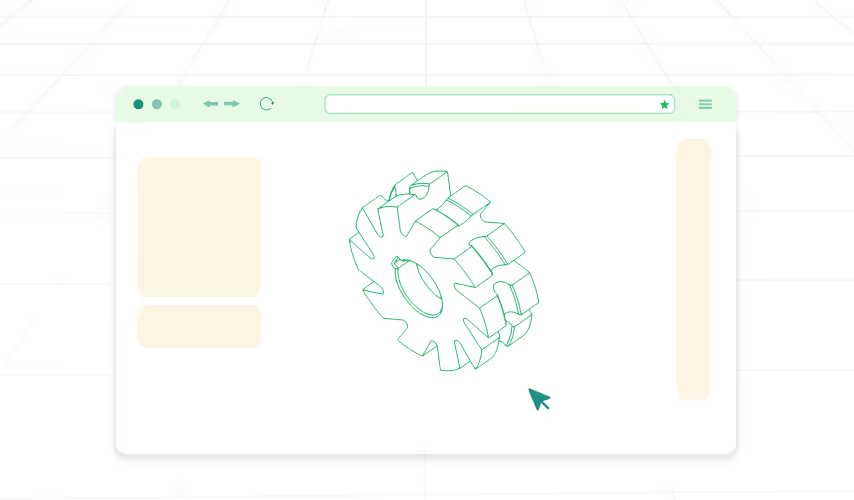
Web-Based Access
No install needed. Open from any browser.

Cross-Sectioning
Explore internals of assemblies & structures.

Exploded Views
Disassemble complex assemblies in real time.
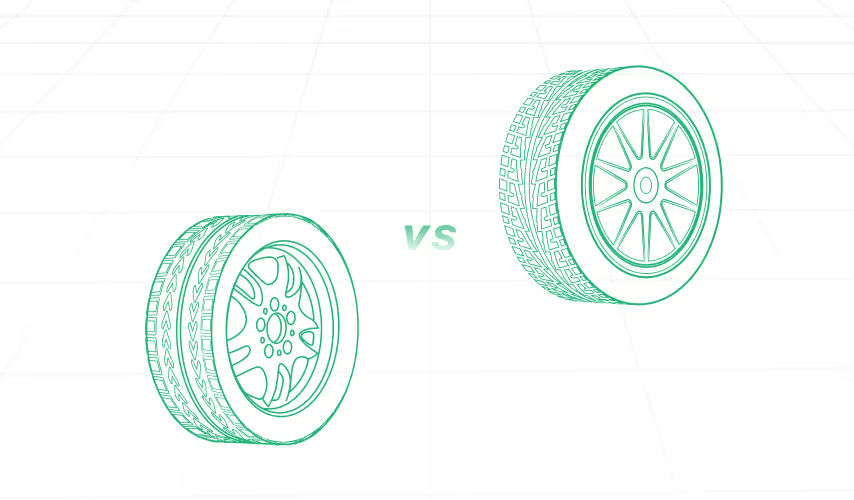
Unified Part Information Panel
See every detail-metadata, BOM, files-in one place.
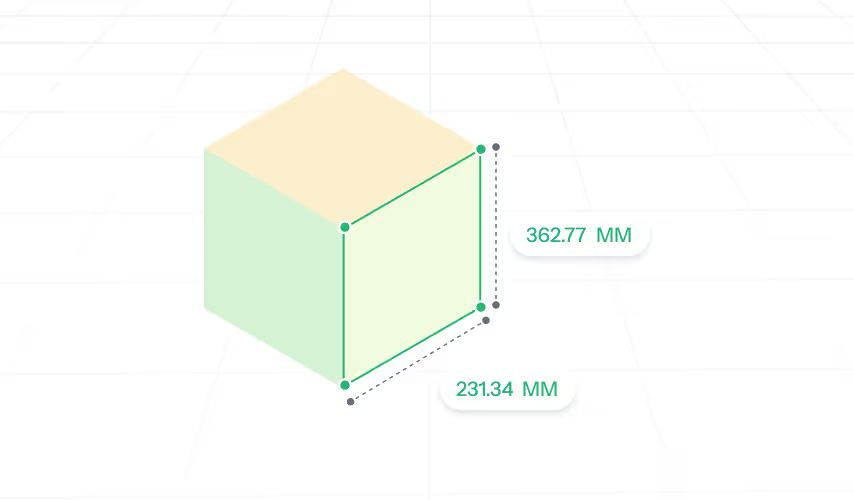
Accurate Measurements
Distance, area, and volume tools.
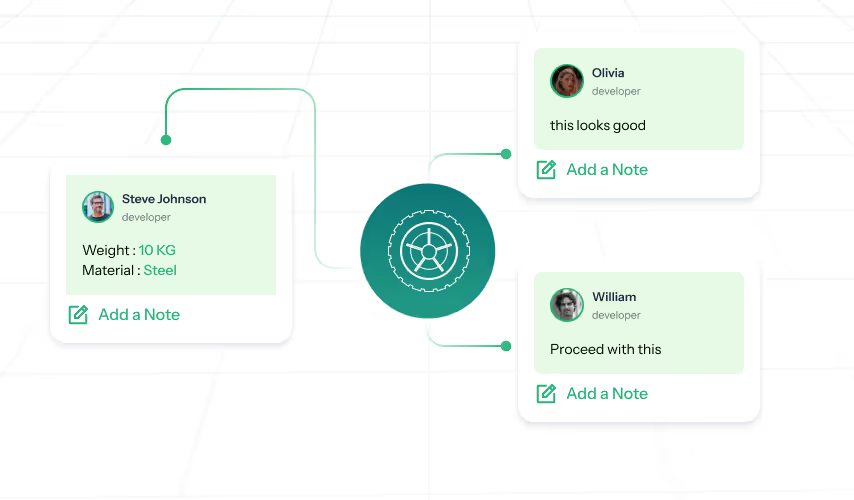
Real Time Collaboration
Add labels, comments, annotate and explain the document clearly.

Material Application
Apply and visualize materials and finishes for validation.

Fast Import
Load files instantly across formats.
Supported Formats
STEP
IGES
IFC
STL
FBX
LAZ
LAS
PLY
GLB
GLTF
OBJ
Unique Selling Propositions
We Are Different — Built to Impress, Trusted to Deliver
01
No CAD Licences
Reduce the license cost and enable easy access of 3D CAD data for everyone.
02
Universal Compatibility
Works across formats like STEP, IGES, IFC, STL, FBX, LAZ, LAS, RVT, GLTF, and more.
03
Unparalleled Visualization
Engineered for clarity even with complex, large-scale assemblies and BIM files.
04
Blazing Fast Performance
Load and inspect models in seconds — even from low-spec devices.
05
Ultimate Flexibility
Scale from standalone MVP to embedded enterprise platform — no lock-ins.
06
Ironclad Security
Keep full control over your data with self-hosting and zero third-party exposure.
Unique Benefits

No Installation Required
Access instantly through any web browser

Easy to Use
Works for non-engineers, sales, marketing, ops teams too

Unlimited Users
No per seat licensing

On Prem Deployment
Self-hostable or integrate into your platform

Spec Insight
Instant access to every spec without leaving 3D view
Use Cases

Construction
BIM visualization, walkthroughs, progress tracking

Manufacturing
Reverse engineering, quality checks

Engineering / Manufacturing
Interactive demos, design validation

3D Scanning
Annotated point cloud visualization

Automotive
Design reviews, virtual inspections

E-commerce / Retail
Interactive product visualization
Shipbuilding
Complex model visualization, remote QA

Digital Twin
Visualize real-time model-linked data and sensor overlays for operational insight
Ready to See It Fit Your Workflow?
Get a tailored demo link based on your use case.
We'll help you scope it in one 30-minute call.
Feel free to share your details!
Thank you! Your submission has been received!
Oops! Something went wrong while submitting the form.

Kolhapur
701, 7th floor, Lohiya Aurum, C. S. NO. 247/3, Aditya Corner, E Ward, Tarabai park, Kolhapur - 416003.
701, 7th floor, Lohiya Aurum, C. S. NO. 247/3, Aditya Corner, E Ward, Tarabai park, Kolhapur - 416003.
Pune
601/C1, Shivnandan Society, Pimprigaon, Pune - 411017, MH, India.
601/C1, Shivnandan Society, Pimprigaon, Pune - 411017, MH, India.


