CAD to Web
Why most CAD automation projects fail (and how to avoid it)
By Gauri Nimbalkar · 27 July 2026
Why most CAD automation projects fail (and how to avoid it)
Your best engineers spend a chunk of every week doing work that isn't really engineering. They regenerate the same drawings, retype the same dimensions, convert files, and clean up models so the next tool can read them. You've probably wondered whether a computer could just do that work instead. It can. The name for it is CAD automation, and it's also one of the most quietly abandoned projects in engineering.
Most teams who try it shelve it within two quarters. The technology is rarely why. These projects fail because teams automate the wrong tasks, treat geometry work as simple scripting, and ignore data integrity across the toolchain. Scoping, kernel-level depth, and the handoff between CAD and downstream systems are where they break.
Key Takeaways
- Transformation and automation initiatives fail at high rates: BCG found roughly two-thirds of transformation efforts fall short (BCG, 2024).
- Engineers lose real time to non-value-added work: 23% on average, per a 2024 CoLab survey of 250 engineering leaders.
- The top barriers to scaling automation are integration (62%), skills and experience (55%), and process change (52%), per Deloitte's 2022 automation survey.
- CAD automation is engineering, not macro recording. Projects that survive are scoped around durable bottlenecks and built by people who understand the CAD kernel.
- A working example: Optellix rebuilt a Fortune Global 500 firm's broken Creo pipeline and cut manual cleanup to roughly 40 hours saved with a zero error rate.
So what is CAD automation, in plain terms? It is software that takes the repetitive, rule-based parts of CAD work off your engineers' hands. Define the rules once, feed the inputs, and let the system generate models, drawings, and bills of materials on its own. That is the promise. The reality is messier. Many engineering teams green-light such an initiative, spend two quarters on it, then quietly walk away.
This is not a tooling failure. The underlying CAD automation tools are mature. What fails is the project around them: the scoping, the kernel depth, and the integration that good CAD automation services treat as core engineering. Below is why these projects stall, and a practical framework to keep yours out of that pile.
CAD automation projects fail more often than teams admit
Automation projects fail at rates that should make any engineering leader cautious. BCG reported in 2024 that roughly two-thirds of transformation efforts fall short of their goals, with only about a third fully succeeding (BCG, 2024). McKinsey has long cited a similar figure: transformation efforts fail about 70% of the time (McKinsey).
CAD automation sits inside that risk profile. It is a transformation of how an engineering team produces work, not a one-off script. And the market keeps pulling teams in: MarketsandMarkets projects the computer-aided engineering market will grow from $12.28 billion in 2025 to $19.96 billion by 2030, a 10.2% CAGR (MarketsandMarkets, 2025).
The pressure to take this work off engineers is real, and so is the cost of doing it badly. The question is not whether to automate CAD work. It is how to avoid the failure modes that sink most attempts. Here are the five that show up again and again.
Why CAD automation projects actually fail
CAD automation projects fail for five recurring reasons: poor task selection, treating geometry as scripting, broken data integrity, a domain and kernel skills gap, and skipped integration. None of these are tooling problems. Each is a decision made early that compounds later.
They automate the wrong tasks
The first failure happens before any code is written. Teams pick a task that looks repetitive but is actually full of judgment, then build brittle automation that breaks on the first edge case. The reverse also happens: teams automate a trivial step that saves minutes, not hours.
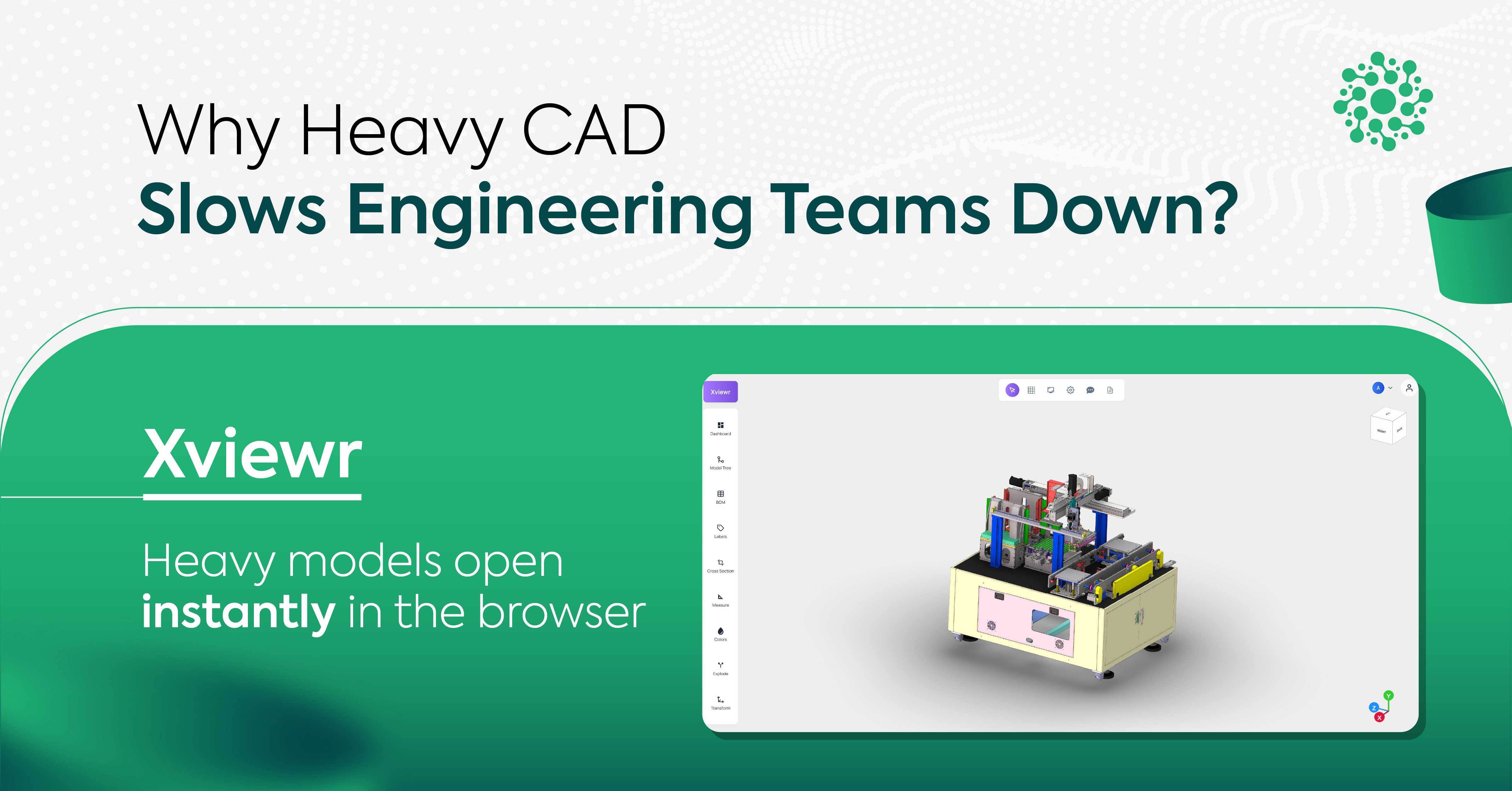
Engineers do have time to reclaim. A 2024 CoLab survey of 250 engineering leaders found engineers spend 23% of their time on non-value-added work, and half of those leaders put the figure between 20% and 39% (CoLab, 2024). The opportunity is large, and it compounds when heavy CAD slows engineering teams down. The mistake is aiming automation at the wrong slice of it.
Good candidates share three traits: high frequency, stable rules, and clear inputs and outputs. Drawing generation, surface tagging, batch format conversion, and parametric variant creation usually qualify. Tasks that depend on case-by-case engineering judgment usually do not.
They treat CAD automation as scripting, not engineering
CAD automation is often dismissed as recording a few macros. That assumption is where depth gets underfunded. Real automation runs against a CAD kernel, and kernels like Parasolid and ACIS do not forgive shallow understanding. Tessellation, topology, and face identity are engineering problems, not formatting problems.
When a vendor or internal team treats the work as generic scripting, the automation passes a demo and fails in production. It works on the clean model the developer tested, then chokes on the messy assembly a senior engineer actually uses. The geometry edge cases that a kernel expert anticipates are exactly the ones a scripter discovers too late.
This is the difference between automating a workflow and engineering one. The first is a script. The second understands what the geometry is doing underneath.
They ignore data integrity across the toolchain
Automation rarely lives inside one application. A model moves from CAD to meshing to simulation to manufacturing, and every translation is a chance to lose information. When automation does not protect data integrity across that chain, it produces output that looks right and is quietly wrong.
The cost of that is not abstract. The American Society for Quality (ASQ) puts the cost of poor quality at 15% to 20% of sales revenue (ASQ, Cost of Quality). In engineering, corrupted data drives rework, failed prototypes, and rebuilt models. Automation that speeds up a broken handoff just produces bad data faster.
The hard part is usually the seam between tools. A standard meshing pass can strip the geometric metadata a simulation engine needs to apply physics correctly. If the automation does not preserve that identity, downstream results cannot be trusted.
They underestimate the domain and kernel skills gap
CAD automation needs a rare mix: kernel-level software skill plus domain knowledge of how the parts are actually engineered. That combination is genuinely scarce. Deloitte's automation survey found 55% of executives named a lack of skills and experience as a barrier to scaling automation (Deloitte, 2022).
The talent picture in engineering is tightening, not loosening. Deloitte and The Manufacturing Institute projected manufacturers may need as many as 3.8 million new workers between 2024 and 2033, with up to 1.9 million roles potentially unfilled, and 65% of manufacturers named attracting and retaining talent as their top challenge (The Manufacturing Institute, 2024).
A generic developer can write a CAD plugin. Whether it survives real assemblies and real engineers depends on whether that developer understands the kernel and the domain. Most do not, and the project pays for that gap.
They skip integration and change management
The last failure is organizational. Automation that no one adopts is a sunk cost, and automation that does not connect to PLM, simulation, or downstream systems becomes an island. Integration is consistently the top barrier to scaling automation, cited by 62% of executives in Deloitte's survey, with the inability to change processes named by 52%.
Top barriers to scaling automation (% of executives) Integrating multiple solutions 62% Lack of skills and experience 55% Inability to change processes 52% Source: Deloitte, Automation with Intelligence survey, 2022 (n=479 executives).
Notice the pattern across all three barriers. They are integration, skills, and process: human and architectural problems, not features of any CAD package. That is the real lesson. CAD automation fails on the seams between systems and people, not on the geometry engine.
What a CAD automation project looks like when it works
A working CAD automation project starts with a specific, high-stakes bottleneck and is built by people who understand both the CAD kernel and the downstream physics. A project Optellix delivered for CNPC USA, a Fortune Global 500 firm, shows the contrast with a failed one.
CNPC's problem was the seam between CAD and simulation in mining drill-bit design. Their standard meshing process stripped critical geometric metadata from PTC Creo models, so the simulation engine lost face identity and could not apply physics accurately. Senior engineers were spending about 30% of their time on manual CAD cleanup instead of design. The legacy application, last updated in 2011, carried more than 1,000 compile errors and was no longer usable.
The fix was engineering, not scripting. Optellix rebuilt the application to production status, then developed a custom Creo Toolkit plugin that preserved native face IDs through tessellation. A Design to Tag to XML pipeline removed manual intervention, and a control dashboard tracked rate of penetration, depth, and simulation statistics across zones.
The outcome reflected the difference in approach. Optellix's reported figures for the engagement: roughly 40 hours of manual cleanup saved, 100% geometry data accuracy through translation, and a zero manual-tagging error rate. The project succeeded because it protected data integrity at the kernel level, the exact place most CAD automation quietly fails.
How to avoid a failed CAD automation project
To avoid a failed CAD automation project, scope around a durable bottleneck, demand kernel-level expertise, design for data integrity, plan integration early, and measure against a clear baseline. The five failure modes above invert cleanly into a checklist.
- Scope around a durable bottleneck. Pick a task that is frequent, rule-stable, and costly today. Measure the current time and error rate first, so you can prove the gain later. Avoid automating judgment-heavy work.
- Demand kernel-level expertise. Ask whoever builds it how they handle tessellation, topology, and face identity in Parasolid or ACIS. If the answer is vague, the automation will pass the demo and fail in production.
- Design for data integrity across the toolchain. Map every handoff from CAD to mesh to simulation to manufacturing. Protect the metadata each downstream step needs. A faster broken handoff is still broken.
- Plan integration and adoption from day one. Connect to PLM and downstream systems early, and involve the engineers who will use it. Integration and process change are the top two barriers for a reason.
- Measure against a baseline. Track the before-and-after on time saved, error rate, and variant throughput. Automation you cannot measure is automation you cannot defend at budget review.
The teams that follow this sequence tend to land in the successful third, not the failed two-thirds. The deciding factor is rarely the CAD package. It is whether the work to free your engineers was treated as engineering from the start.
Frequently asked questions
Why do CAD automation projects fail so often?
CAD automation projects fail mostly from non-technical causes: automating the wrong tasks, underestimating kernel-level geometry complexity, and breaking data integrity between CAD and downstream tools. Deloitte's 2022 survey ranked integration (62%), skills (55%), and process change (52%) as the top barriers to scaling automation.
Is CAD automation just recording macros?
No. Macros automate clicks inside one application. Production CAD automation runs against a CAD kernel such as Parasolid or ACIS and must handle tessellation, topology, and face identity. That is an engineering discipline, and the gap between the two is where many projects fail in production.
How long does a CAD automation project take to show ROI?
It depends on the scope, but the fastest returns come from frequent, rule-stable tasks like drawing generation, surface tagging, and batch conversion. Define a baseline for current time and error rate before you start, so the payback is measurable rather than assumed.
What skills does a CAD automation team need?
It needs both CAD-kernel software skill and domain knowledge of how the parts are engineered. A generic developer can write a plugin, but surviving real assemblies requires understanding the kernel and the physics downstream. That combination is scarce, which is why 55% of executives cite a skills gap.