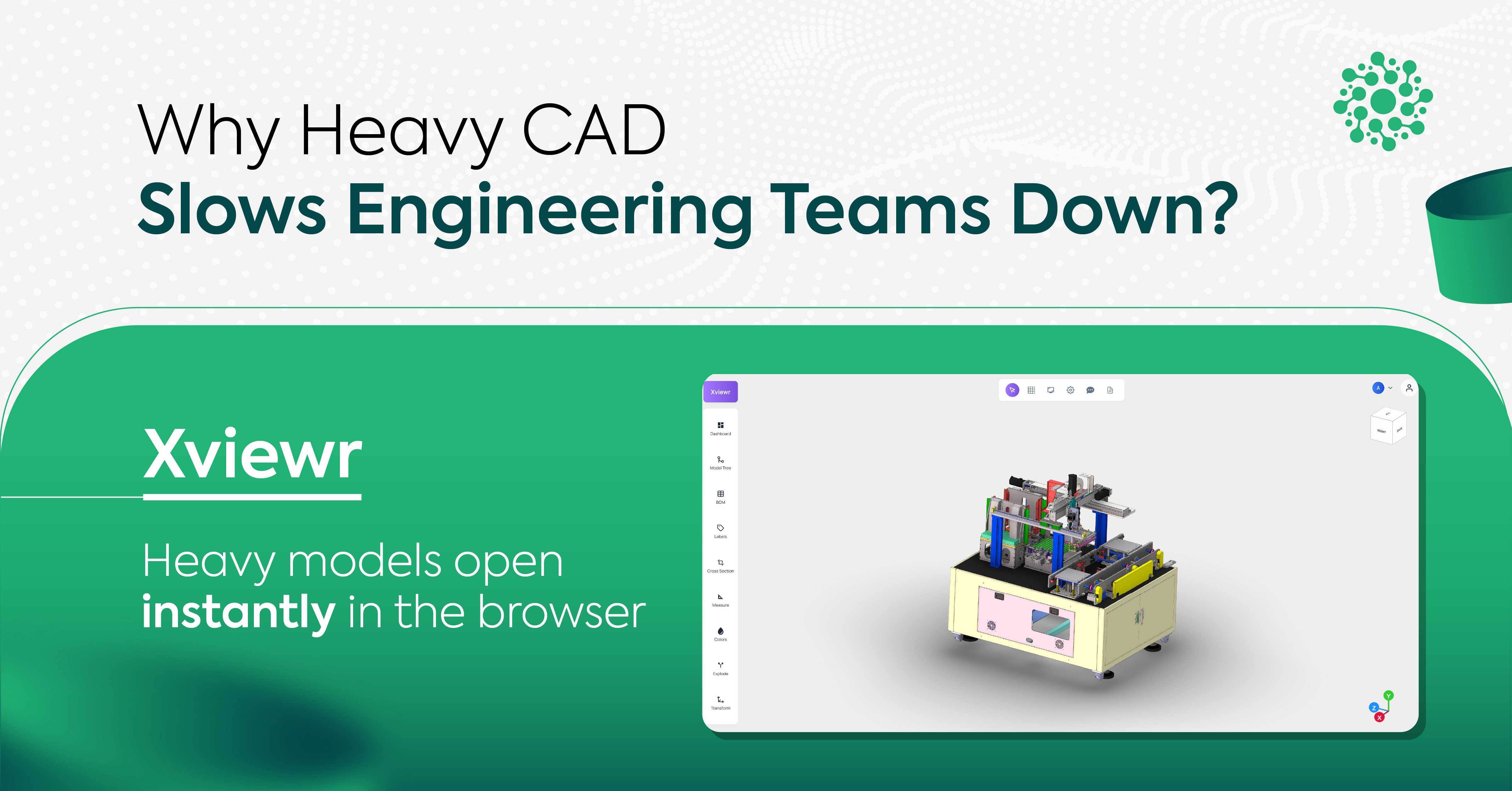
CAD to Web
The Invisible Drag on Engineering Velocity: Eliminating the Model-Access Bottleneck
By Gauri Nimbalkar · 12 August 2026
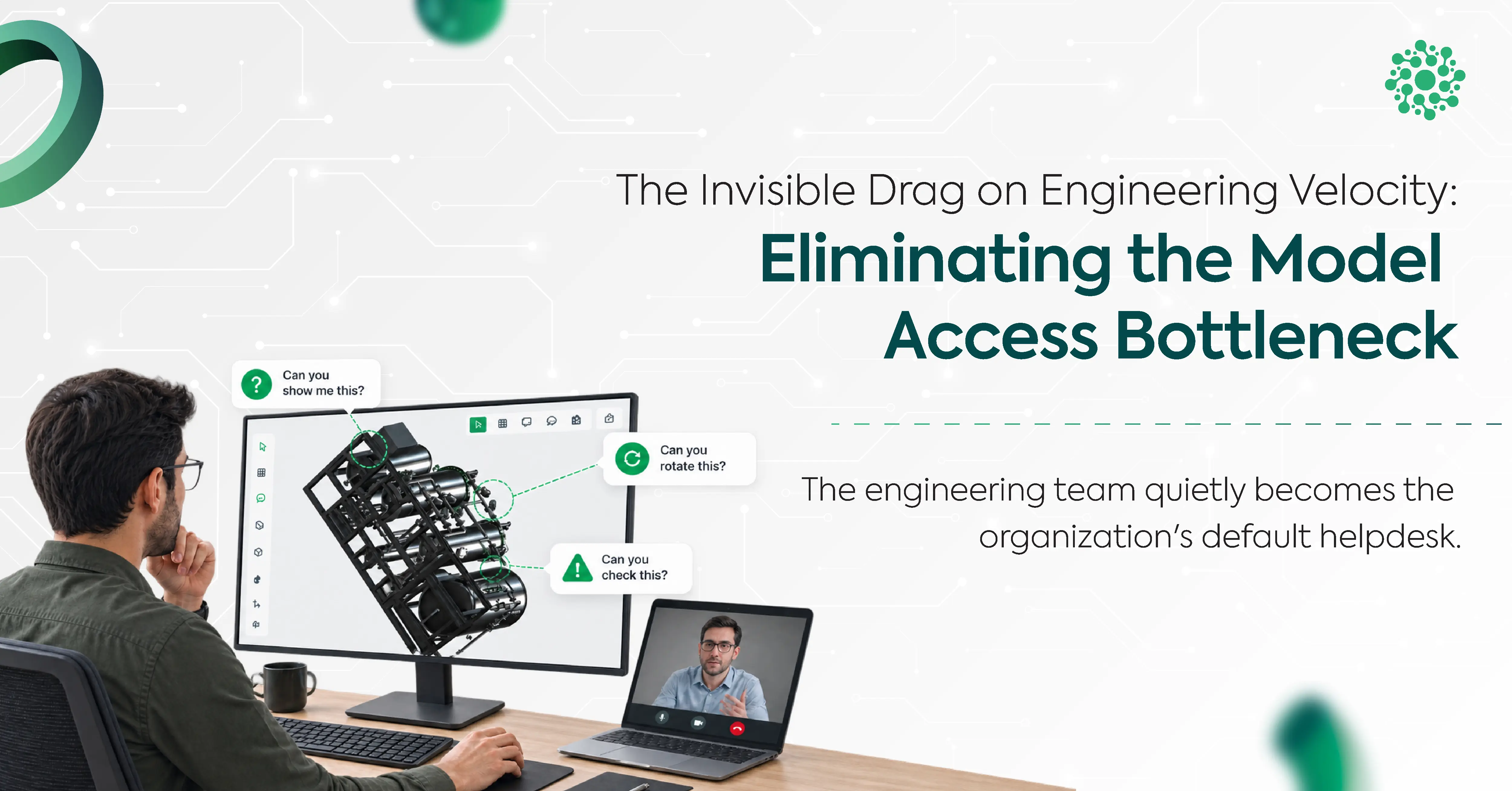
Engineering teams love to measure performance in hard numbers: sprint velocity, engineering change order cycle times, release cadence, and unit test coverage. Yet a silent operational tax continues to drain high-value technical capacity every single week.
That tax is not caused by complex physics simulations or difficult CAD modeling. It is caused by something far more mundane: model-access logistics.
When non-technical stakeholders across manufacturing, procurement, sales, quality control, or executive leadership need to inspect a product assembly, they hit an immediate wall. They lack expensive desktop CAD licenses, high-end GPU workstations, and the specialized training required to navigate parametric feature trees.
Consequently, the engineering team quietly becomes the organization's default helpdesk, setting up screen shares, converting proprietary file formats, exporting static screenshots, and manually driving 3D models during review calls.
This piece breaks down where that friction actually comes from, what it really costs, and how browser-based 3D viewing is turning engineers back into engineers instead of file converters.
Why Model Access Creates Friction
To understand why this bottleneck persists in modern enterprises, consider what happens when a cross-functional partner needs to review a complex 3D assembly.
Under traditional workflows, a non-technical stakeholder cannot simply double-click an assembly file or view it directly in an email thread. They encounter three structural barriers:
1. The CAD License and Hardware Wall
Proprietary CAD platforms like SolidWorks, CATIA, Creo, and Siemens NX cost thousands of dollars per seat annually. Organizations naturally restrict these licenses away from downstream or shop-floor teams. Furthermore, rendering huge GBs of files with thousands of sub-components requires dedicated graphics cards and high RAM allocations. Standard corporate laptops crash when opening raw CAD files.
2. The Manual Export-and-Distribute Treadmill
When a supplier or sales director requests a file they can actually open, engineers don't reach for anything exotic. They typically export to an industry-standard neutral format like STEP, which is about as close as manufacturing gets to a universal exchange language.
The problem was never the format. It's everything that happens around it:
- A Repeating Manual Task: Every single request means an engineer has to stop, open the native assembly, generate a fresh export, and send it. The moment the master model changes, that work has to happen all over again.
- Version Desynchronization: Once that file leaves the building over email, it's frozen in time. If engineering keeps iterating on the master assembly, downstream teams can end up reviewing and deciding against geometry that's already stale.
- Uncontrolled Distribution: A file attached to an email has no access control and no expiry. Once it's out, there's no way to see who has it, revoke it, or confirm it hasn't been forwarded somewhere it shouldn't be.
3D formats remain the backbone of how 3D data moves between companies and systems. The actual bottleneck is the manual, email-based ritual of producing and re-producing them by hand every time someone new needs a look.
3. Engineer-Driven Review Calls
Because generating and sending a usable file is a manual, on-request task, non-technical stakeholders default to something even more disruptive: a call.
The engineer opens the CAD file, shares their screen, physically rotates the geometry, zooms in on requested clearances, and answers questions the partner could have explored independently if they'd had direct, live access to the model in the first place.
The Operational Contrast
The mechanical difference between how teams historically shared models versus how modern self-service access works comes down to two distinct loops:
The Traditional Access Loop
- Request: A non-technical stakeholder identifies a need to inspect an assembly.
- Scheduling: They email engineering to request a static file conversion or schedule a review meeting.
- Execution: An engineer interrupts their design work, opens the native file, exports a neutral format, or sets up a live screen share.
- Driven Review: The engineer physically rotates, zooms, and manipulates the model on screen while the stakeholder watches passively.
The Self-Service Access Loop
- Request: A non-technical stakeholder identifies a need to inspect an assembly.
- Direct Link: They open a secure, lightweight browser link sent via their standard messaging or task management tool.
- Independent Review: The stakeholder opens, rotates, section-cuts, and inspects the 3D model on their own laptop or tablet, on their own schedule.
- Immediate Action: Decisions are documented directly on the model without requiring an engineer to host the session.
The True Cost
In technical disciplines, the primary cost of minor interruptions is not the five minutes spent generating a neutral file or joining a quick call. The real loss is cognitive recovery time and context switching.
When an engineer is pulled out of a complex design task to handle an access request, their mental state is disrupted. Research in technical productivity shows that it takes a deep-focus worker fifteen to twenty minutes to regain their flow state after a brief context switch.
When an engineering team receives multiple access requests throughout the week, their productive time becomes fragmented into short, inefficient blocks.
The Impact of Asynchronous, Self-Service Access
When organizations remove engineering from the access loop by adopting web-based viewing solutions like Xviewr, the impact is immediately measurable.
Consider the operational shifts observed in real-world deployment metrics:
- Weekly Review Requests: Drops significantly from multiple manual requests per stakeholder per week down to 2 or 3 total self-resolved links.
- Engineering Role: Shifts from active gatekeeper driving screens and exporting files to a passive provider sharing a single secure URL.
- Review Execution: Moves from synchronous, scheduled calls requiring engineer availability to asynchronous, self-directed exploration on demand.
- Decision Latency: Reduces from days spent scheduling calls and waiting for file conversions to minutes spent inspecting interactive 3D geometry.
The core objective is straightforward: the person who needs to see the model should be able to inspect it on their own schedule, without requiring the engineering team to act as the access layer.
Beyond Static Workarounds: Why Screenshots and 2D PDFs Fail
When organizations realize CAD software is too restrictive for broad deployment, they often turn to lightweight workarounds like static screenshots, 2D PDF drawings, or recorded video walkthroughs.
These workarounds fail because they strip away spatial context.
Engineering decisions depend on understanding spatial relationships: how a bracket mounts to a chassis, whether a wiring harness clears a structural rib, or how sub-assemblies fit together during manufacturing sequence steps.
Static assets remove the user's ability to explore geometry dynamically:
- No Dynamic Manipulation: A static image cannot be rotated, zoomed, or exploded to reveal hidden internal components.
- No Precision Inspection: Downstream stakeholders cannot take precise measurements, inspect clearances, or isolate specific part trees.
- No Interactive Metadata: Static files separate visual geometry from Bill of Materials attributes, part numbers, and revision statuses.
When a procurement manager or manufacturing engineer receives a static image, they are forced to make assumptions or request another review call to get clarification. Interactive, browser-based 3D access restores this spatial context without requiring technical software mastery.
Four Pillars of Modern Web-Based Model Delivery
To eliminate access logistics without compromising enterprise security or performance, modern web-based 3D platforms rely on four foundational mechanics:
1. Zero-Footprint Streaming
Users access 3D models through standard web browsers such as Chrome, Edge, or Safari via WebGL or WebGPU. No plugins, desktop installations, or local administrative privileges are needed.
2. Level of Detail Optimization
Heavy CAD assemblies containing millions of polygons are automatically tessellated and optimized into lightweight 3D formats. Progressive streaming allows users to interact with large assemblies instantaneously while finer geometric details load seamlessly in the background.
3. IP Protection and Security
Raw CAD files contain proprietary design histories, parametric feature trees, and exact manufacturing math. Web-based delivery platforms stream visual representations rather than raw CAD source files. External vendors and non-technical staff can inspect 3D geometry without ever possessing or downloading the underlying proprietary source file.
4. Context Preservation
Interactive viewing environments keep 3D geometry linked to relevant engineering metadata. Users can click on a part to view its BOM number, toggle design variants, perform cross-section cuts, or add spatial annotations directly on the model.
Cross-Functional Benefits Across the Value Chain
Removing engineering from model-access logistics unleashes compounding efficiencies across every department in the manufacturing enterprise:
Manufacturing and Tooling
Shop-floor supervisors and manufacturing engineers can independently review assembly sequences, evaluate tooling clearances, and inspect component fits early in the design cycle.
Fitment issues are identified before physical prototypes are machined, preventing expensive late-stage design modifications.
Procurement and Supplier Network
Suppliers receive secure web links to inspect assembly geometry, measure dimensions, and review revision states. RFQ turnarounds accelerate significantly because vendors can explore the complete 3D context rather than relying on ambiguous 2D drawings.
Sales and Customer Solutions
Customer-facing technical sales teams can present interactive 3D concepts directly to clients during prospect meetings. They can demonstrate configuration options, isolate custom components, and answer technical questions immediately, shortening the enterprise sales cycle.
Executive Leadership and Program Management
Project leads and executives can monitor physical product maturity in real time during weekly reviews without disrupting engineering workflows or requesting manual status decks.
Reclaiming Engineering Hours
Digital transformation discussions often jump straight to generative AI tools or enterprise PLM suites. However, some of the highest immediate returns on investment come from eliminating basic operational friction points.
When engineering teams change nothing about their internal CAD tools, file export formats, or release cadences, yet experience a drastic drop in weekly coordination requests simply by providing web-based self-service access, the business value is clear.
Every hour an engineer saves from hosting routine review calls, generating neutral exports, or driving software demonstrations is an hour reinvested into core product quality, design optimization, and hardware innovation.
Enabling non-technical stakeholders to independently view, inspect, and understand 3D engineering models on their own schedule is more than a convenience. It is a fundamental operational upgrade that reduces decision latency, safeguards intellectual property, and gives engineering teams their focus time back.
Frequently Asked Questions
Why shouldn’t downstream teams simply use free desktop CAD viewers?
Free desktop viewers still require local software installations, manual file downloads, and high-end hardware. They also create version control risks and force non-technical users to manage complex native CAD formats manually.
How do browser visualization platforms handle multi-gigabyte assemblies?
Modern web viewers use advanced mesh compression, occlusion culling, and progressive streaming algorithms. This allows complex assemblies with tens of thousands of parts to render smoothly at 60 FPS on standard business laptops and mobile devices.
Does web-based model sharing compromise sensitive design data?
No. Traditional file sharing exposes raw CAD files that contain complete feature trees and proprietary geometry. Web-based streaming displays visual surfaces without giving client devices access to the underlying CAD source files, significantly reducing data leakage risks.
How does self-service visual access improve decision latency?
When stakeholders can inspect models independently in a browser, they do not have to wait days for a scheduled review call or a manual file conversion. They can get answers to spatial and fitment questions instantly, resolving decisions in minutes instead of days.
How can a company actually roll this out?
Teams looking to build this into their existing stack can work with providers like Optellix, the company behind Xviewr, to connect web-based 3D viewing with their PLM or CPQ systems and tailor the access layer to how they actually work.