Engineering Software
Why Your Best Engineering Data Still Reaches Decision Makers as a PDF
By Gauri Nimbalkar · 14 August 2026
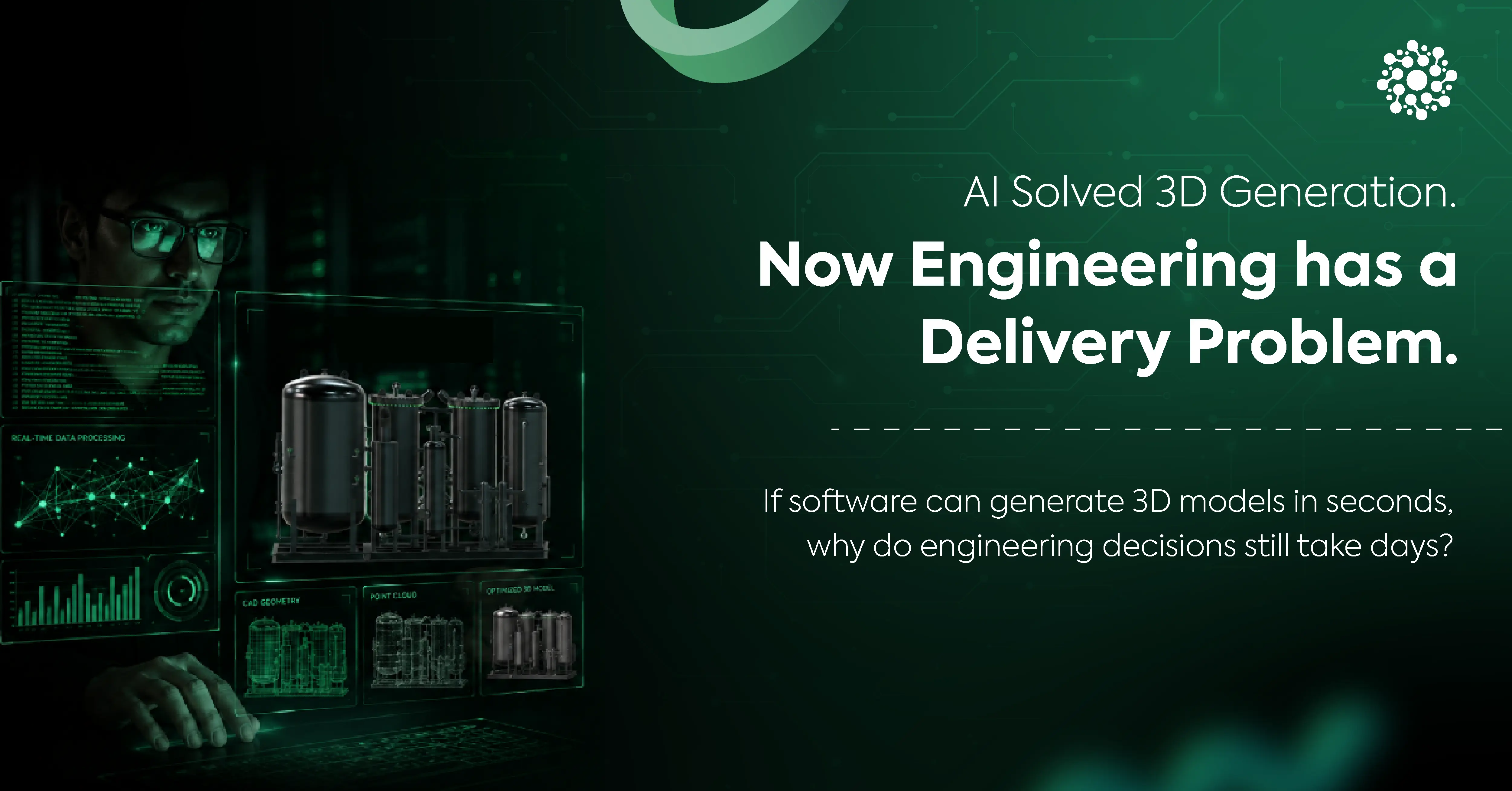
Picture a modern engineering workflow. Inside an R&D facility, construction site, or manufacturing plant, an engineer is working with a technical masterpiece: a 500,000-part CAD assembly, a millimeter-accurate LiDAR point cloud, or a high-density photogrammetry mesh. The data is rich, fully navigable, and packed with critical insights.
Yet, when that same dataset reaches the people approving budgets, design changes, or procurement decisions, such as executives, clients, project developers, or supply chain managers, it is stripped of almost everything that makes it valuable.
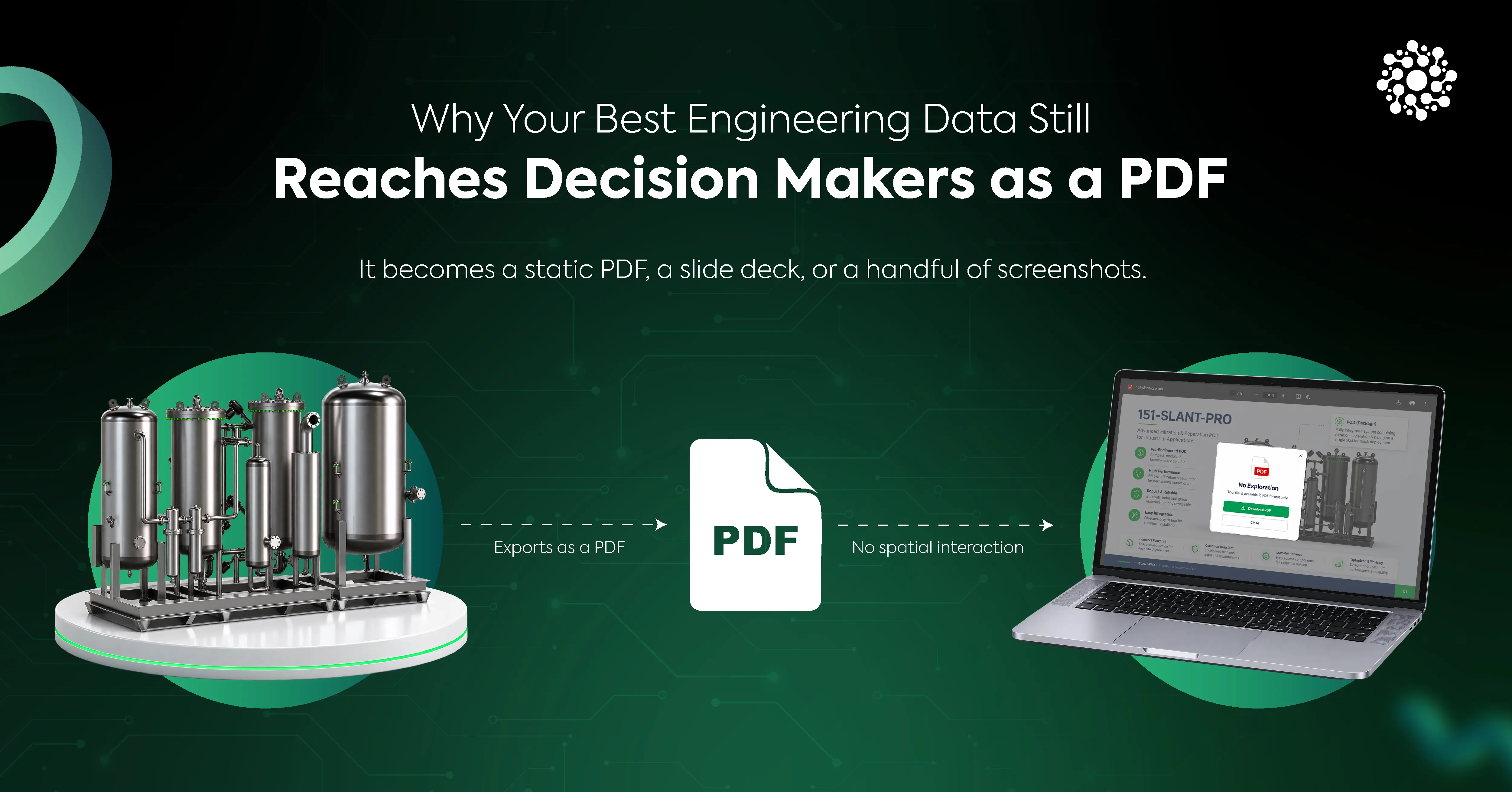
It becomes a static PDF, a slide deck, or a handful of screenshots.
This is the access gap: the structural divide between where high-fidelity 3D engineering data exists and where multi-million-dollar business decisions about that data are actually made.
Where the Access Gap Shows Up
The access gap is rarely an intentional operational choice. It survives because exporting a 2D PDF is the path of least resistance in an enterprise ecosystem walled off by proprietary file formats, heavy hardware dependencies, and desktop software licensing.
Here is how this friction point manifests across major technical industries:
1. Construction & AEC
A BIM manager identifies a major HVAC duct clash with a structural load-bearing beam inside a 3D model. Instead of letting the client or general contractor explore the issue interactively, the team shares annotated 2D PDFs.
The client is left to mentally reconstruct a complex 3D environment from flat drawings, often leading to delayed approvals or, worse, misidentified field clashes that result in expensive on-site rework.
2. Manufacturing & Industrial Quality Control
Quality assurance inspectors generate high-density point clouds to evaluate surface tolerances on a machined component. Because processing these datasets requires specialized workstation rigs with high-end GPUs, leadership typically receives only static 2D heatmap screenshots.
As a result, critical context, such as internal cavity clearance or sub-assembly alignment, is lost entirely.
3. Product Development & Executive Reviews
During a design milestone review, a lead architect walks senior leadership through a complex CAD assembly via slide decks. When an executive asks whether a specific internal line interferes with maintenance access, the presenter cannot rotate the model live because no one in the boardroom holds a desktop CAD license or has the native authoring software installed on their laptop.
Hidden Costs of Static 3D Access
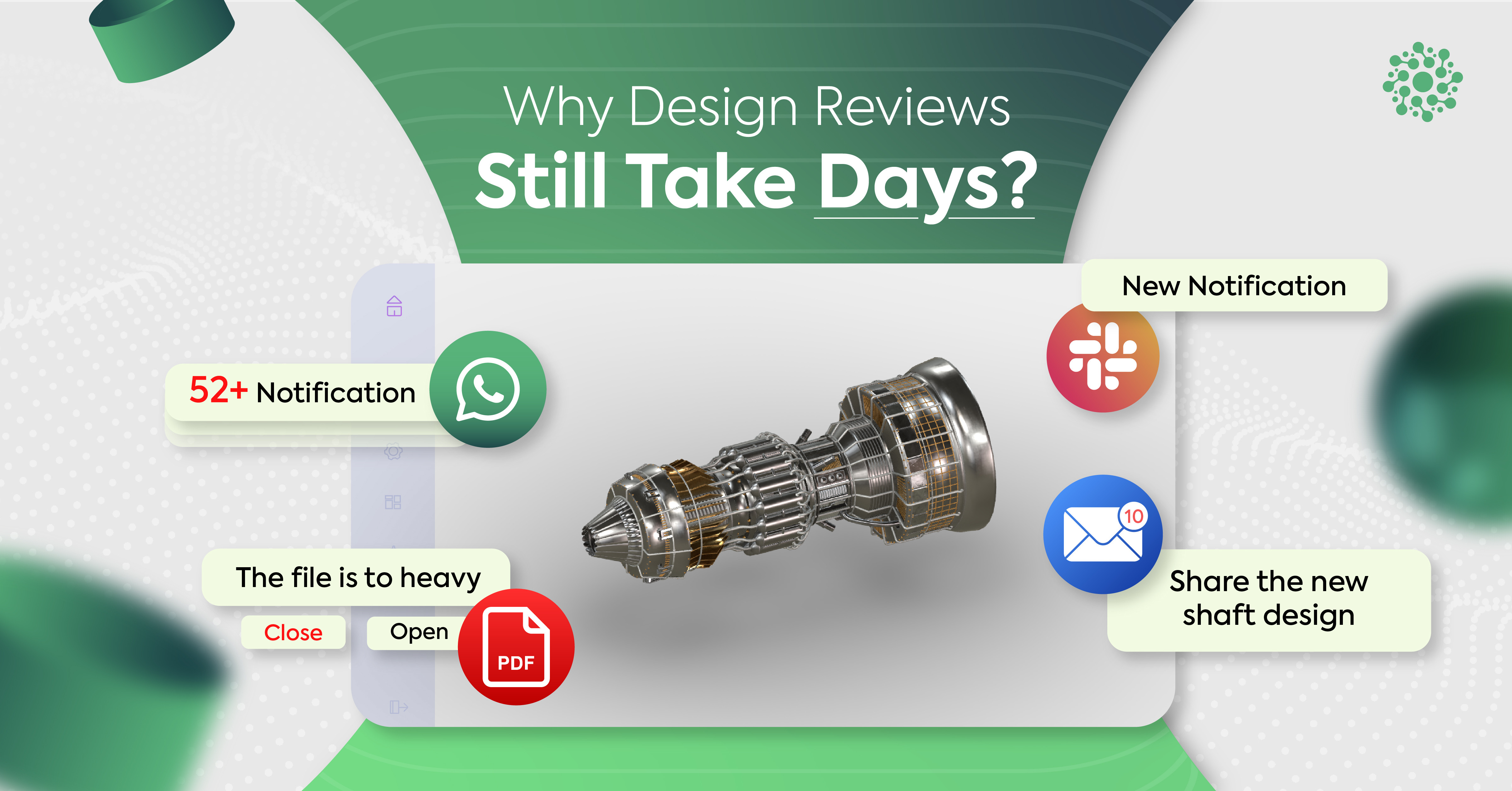
When 3D data is compressed into a static image, the interactive dimension that grants spatial understanding is destroyed. Recipients cannot orbit the model, cross-section internal geometry, measure clearance tolerances, or filter the Bill of Materials hierarchy.
They are trapped in a passive role, relying entirely on the author's ability to predict every technical question in advance.
Operational Delay
Practical impact: Decision cycles stall while stakeholders wait for engineers to generate “just one more angle.”
Root cause: Dependency on engineers to manually re-render static views.
Spatial Ambiguity
Practical impact: 2D projections of complex 3D structures are inherently prone to misinterpretation and costly rework.
Root cause: Flattening spatial depth into static X/Y dimensions.
Erosion of Trust
Practical impact: Stakeholders must accept second-hand interpretations rather than directly verifying critical details.
Root cause: Inability of non-technical decision-makers to inspect source data.
Talent Misallocation
Practical impact: Senior engineers spend hours taking screenshots and building slide decks instead of engineering.
Root cause: Lack of automated, lightweight delivery tools for non-CAD users.
Beyond direct project delays, there is a severe human capital tax. Design engineers routinely spend 10% to 15% of their working week capturing screenshots, formatting PowerPoint presentations, and rendering static fly-through videos for non-technical stakeholders, a costly misuse of specialized engineering talent.
Why Sharing Raw CAD Files Fails
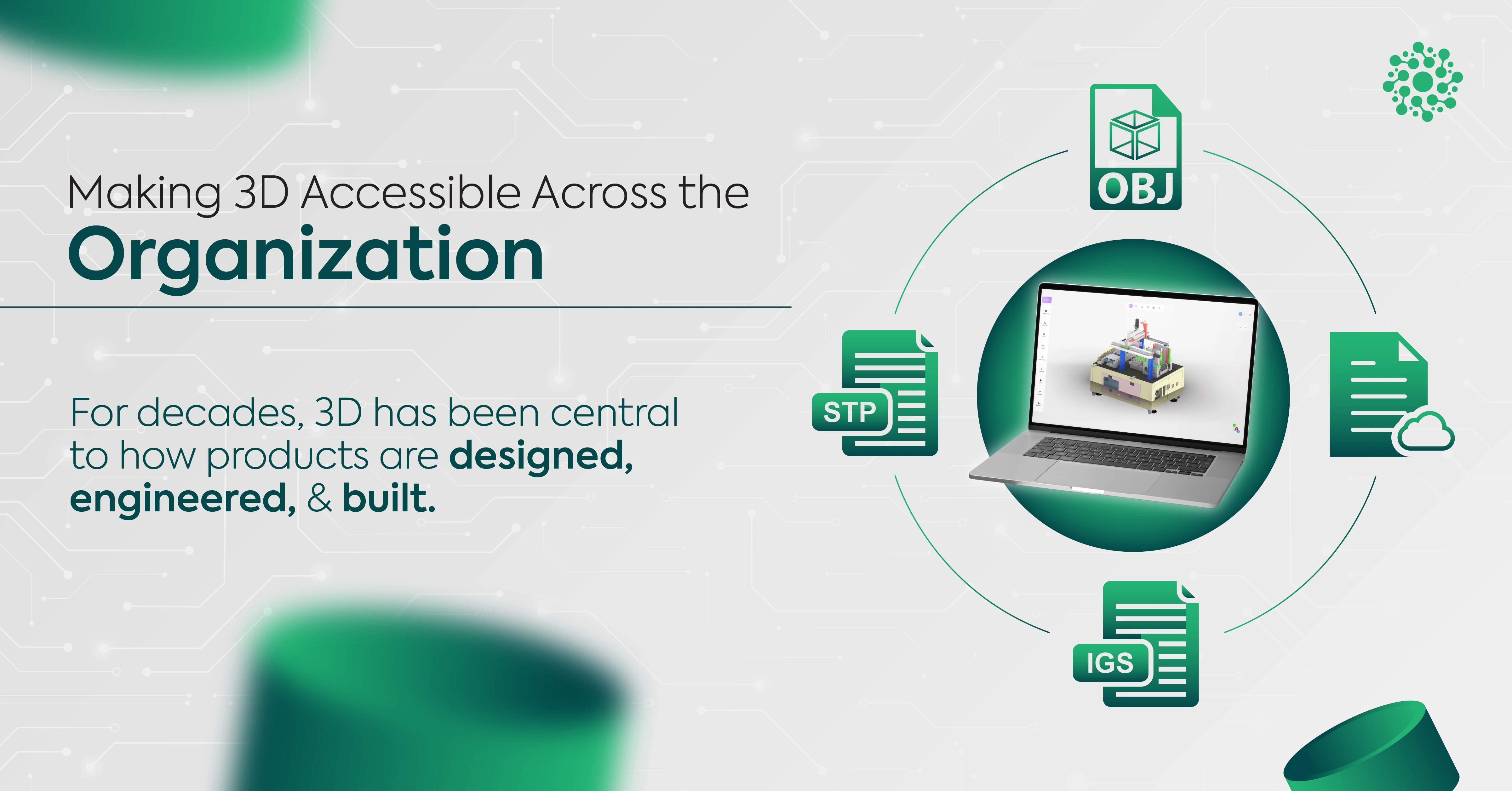
When organizations recognize the limitation of PDFs, the intuitive reaction is often to mandate sharing the source 3D files directly by emailing the raw .SLDASM, .RVT, .CATProduct, or .E57 files.
In enterprise environments, this approach fails immediately against three structural walls:
Format Incompatibility
Technical reality: Native CAD files, BIM models, and point clouds require proprietary software, specific plugins, or exact version matches.
Organizational impact: Recipients without exact software versions cannot open the files.
Licensing & Hardware
Technical reality: Desktop authoring software requires high-end workstation GPUs and expensive per-seat licenses.
Organizational impact: Non-engineers cannot justify $5,000+ software/hardware stacks just to view models.
Prohibitive File Sizes
Technical reality: High-precision engineering datasets routinely reach tens of gigabytes.
Organizational impact: Files cannot be emailed, synced, or opened smoothly over corporate VPNs.
Solving this issue isn't about sending larger files; it's about changing the delivery model entirely.
3-Step Framework for Web-Based 3D Delivery
Closing the access gap requires decoupling authoring from viewing. Engineers must remain in their native desktop environments, while non-engineering decision-makers receive a lightweight, browser-native delivery pipeline.
1. Delivery Format Optimization: Authoring vs. Viewing
Native CAD files are built for authoring and editing geometry; web delivery requires formats built strictly for runtime viewing, such as glTF 2.0 or OpenUSD.
- Intellectual Property Protection: Raw CAD files contain precise Boundary Representation geometry, history trees, feature dimensions, and manufacturing toolpaths, which represent the core trade secrets of an enterprise. Web translation converts B-Rep math into a lightweight tessellated polygonal mesh. Stakeholders can inspect, orbit, and measure the geometry without acquiring the underlying parametric CAD logic needed to copy or clone the product.
- Metadata & PMI Preservation: Proper conversion retains essential decision-making metadata, including Product Manufacturing Information, Geometric Dimensioning & Tolerancing callouts, material properties, and Bill of Materials hierarchies, storing them in lightweight, web-readable JSON trees.
2. Level of Detail & Spatial Indexing
Attempting to render a 100M polygon assembly inside a web browser without optimization causes immediate WebGL memory crashes. Modern web streaming engines solve this using hierarchical Level of Detail management and spatial octrees.
Geometry is subdivided into spatial bounding volumes. Objects close to the virtual camera render at full polygonal density, while distant or occluded components render as simplified proxies or are culled from memory entirely. This dynamic streaming enables standard laptops, mobile phones, or field tablets to fluidly navigate massive gigabyte-scale models at 60 frames per second.
3. Browser-Native Execution: WebGL & WebGPU
By leveraging WebGL and WebGPU browser APIs, complex 3D graphics execute directly on the client device's GPU through standard web browsers such as Chrome, Safari, and Edge without requiring plugins, administrative installation rights, or virtual desktop infrastructure.
At Optellix, we build custom WebGL and Three.js rendering pipelines that enable organizations to stream dense CAD assemblies through standard web browsers without disrupting existing engineering workflows.
Static PDF vs. Web-Native 3D Delivery
Viewing Control
Static PDF & screenshots: Fixed angle chosen by the author.
Web-native 3D delivery: Fully navigable with orbit, pan, zoom, and first-person viewing.
Dimensional Verification
Static PDF & screenshots: Static text annotations only.
Web-native 3D delivery: Interactive distance, area, and volume measurement tools.
Internal Inspection
Static PDF & screenshots: Limited to pre-cut static images.
Web-native 3D delivery: Live 3D cross-sectioning, clipping planes, and exploded views.
Access Requirements
Static PDF & screenshots: Standard PDF reader.
Web-native 3D delivery: Modern web browser with zero-install, cross-platform access.
Security & IP Risk
Static PDF & screenshots: Low control over downloaded files.
Web-native 3D delivery: Role-based streaming access without raw source CAD files.
Decision Velocity
Static PDF & screenshots: Slow, requiring back-and-forth emails.
Web-native 3D delivery: Immediate, self-serve spatial exploration.
Enterprise Security, Access Governance, and IP Protection
A common hesitation regarding browser-based 3D access is security: does rendering models in a web browser expose proprietary design files to leaks?
In practice, a cloud-native 3D streaming architecture provides significantly stronger security governance than distributing PDFs or raw CAD files:
- Centralized Data Isolation: Source CAD files never leave the secure enterprise repository. Geometry is streamed to the user's GPU as transient, encrypted buffer chunks.
- Granular Role-Based Access Control: Administrators can grant permission levels tailored to individual stakeholders, allowing view-only navigation, enabling cross-sectioning tools, restricting linear measurements, or masking specific classified sub-assemblies.
- Instant Session Revocation: Unlike a PDF, which can be printed, downloaded, or forwarded via email indefinitely once sent, a web-based viewing session can be revoked instantly, accompanied by complete audit logs detailing who accessed the model, when, and from where.
Moving Beyond Static Deliverables
The reliance on static 2D PDFs for communicating 3D engineering data is a legacy habit, not a modern technical constraint. It imposes massive operational drag, inflates project timelines, and forces critical business choices to be made on incomplete spatial information.
By implementing a web-native 3D delivery pipeline, leveraging open viewing formats, dynamic LOD management, and secure browser rendering, organizations eliminate the access gap entirely.
Decision-makers gain the spatial context required to make rapid, confident choices; clients enjoy interactive transparency; and engineering teams spend less time exporting screenshots and more time solving real engineering problems.
Frequently Asked Questions
Why isn't zooming into a PDF enough for engineering reviews?
A PDF only captures a fixed view of a 3D model. Even at high resolution, recipients cannot rotate the model, inspect hidden components, take measurements, or explore different perspectives. Interactive 3D viewing provides the context needed to make faster and more confident decisions.
Does sharing a browser-ready model expose the original CAD file?
No. The original engineering file remains in your existing CAD, BIM, or scanning workflow. Teams publish a separate, view-optimized version designed for secure browser access, allowing stakeholders to review the model without accessing or modifying the source B-Rep data or feature trees.
Why is Level of Detail important for browser-based 3D viewers?
Engineering models often contain millions of polygons, making them difficult to render efficiently on everyday devices. LOD automatically adjusts geometric complexity based on the viewer's perspective, delivering smooth performance while preserving the detail that matters during inspection.
Why not just use a free online 3D viewer?
Most free tools are built for simple consumer formats like STL or OBJ. They typically cannot preserve physical measurement scales, part hierarchy assemblies, or Bill of Materials data at CAD enterprise scale.
Does adopting browser-based 3D viewing require engineers to change their workflow?
Not significantly. Engineers continue working in their existing CAD, BIM, or scanning software. The main difference is automated publishing of a browser-compatible version of the model, allowing clients and stakeholders to review it interactively instead of relying on screenshots or exported PDFs.